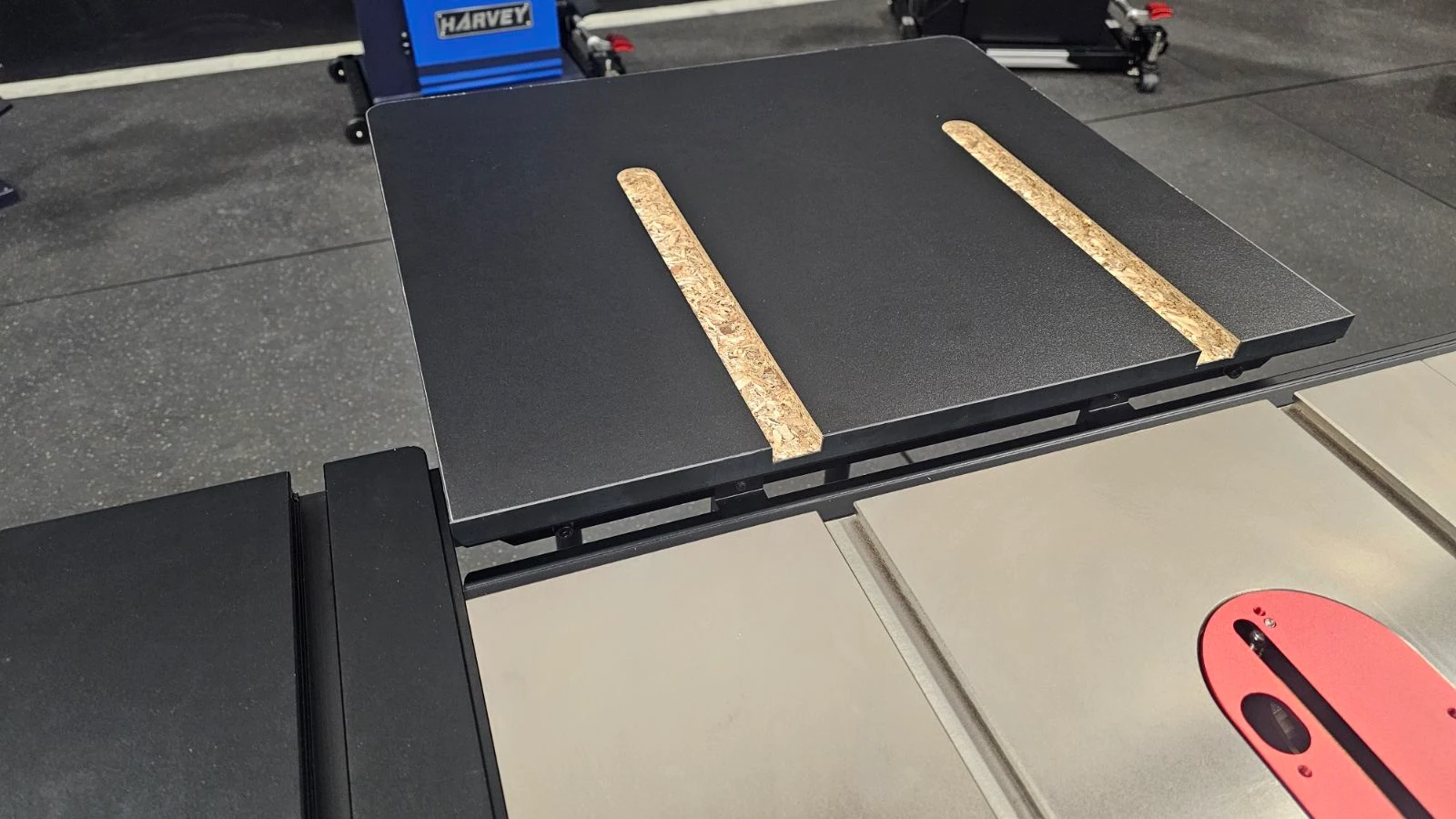
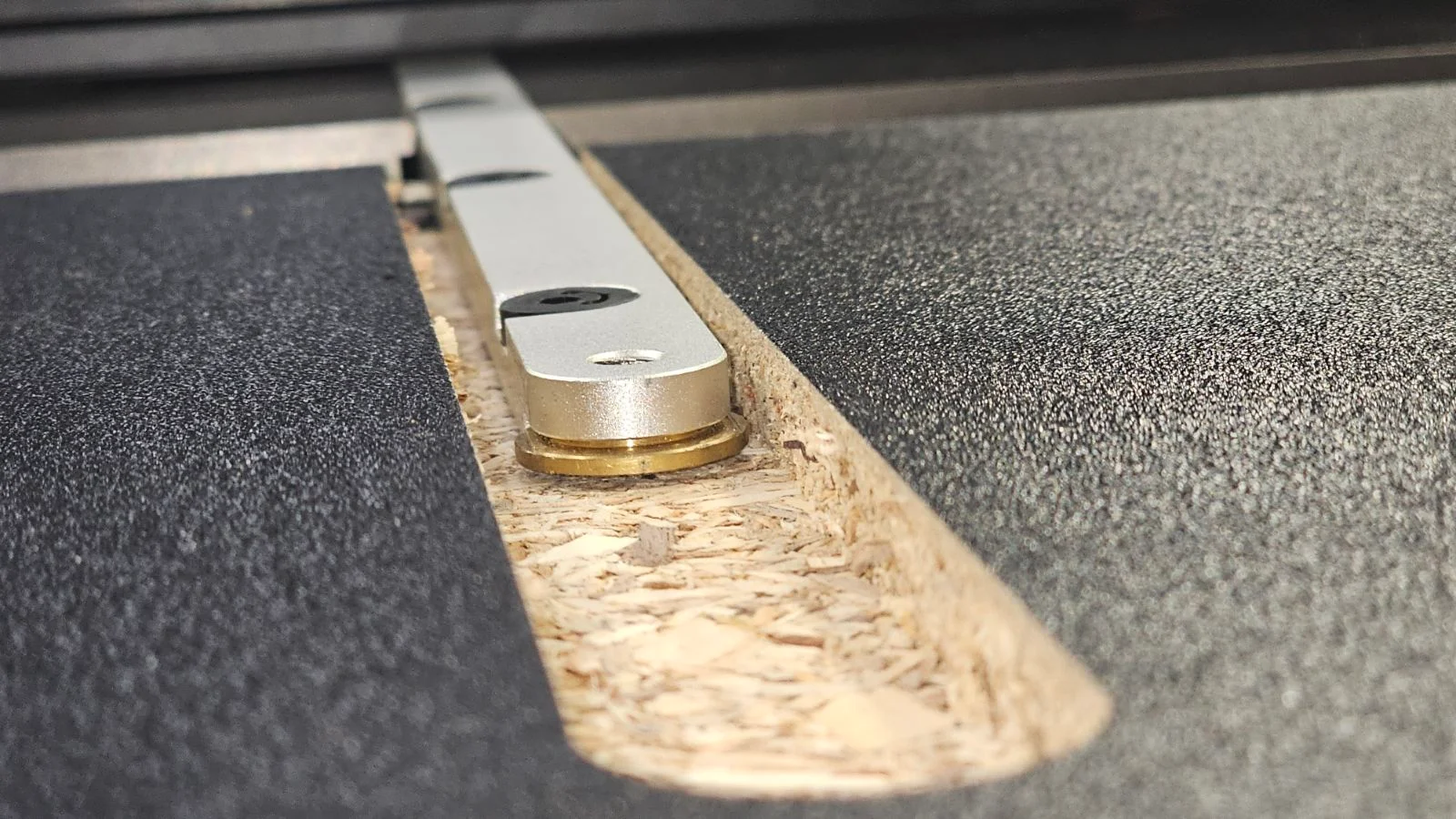
Big Eye B-36/B-52 Rip Fence System: RT-10A Rear Table (or Custom Tables) Installation

Created by Gabriel Izzo, Modified on Thu, 21 May at 11:27 AM by Gabriel Izzo

Big Eye Rip Fence System · B-36 / B-52
RT-10A Rear Table (or Custom Tables) — Installation
Applicable Models
Big Eye B-36 / B-52 Rip Fence System
RT-10A Rear Table

The Big Eye Fence System includes everything needed to mount the RT-10A Rear Table or a custom rear extension table directly to the rear rail — no additional brackets are required from the RT-10A kit.
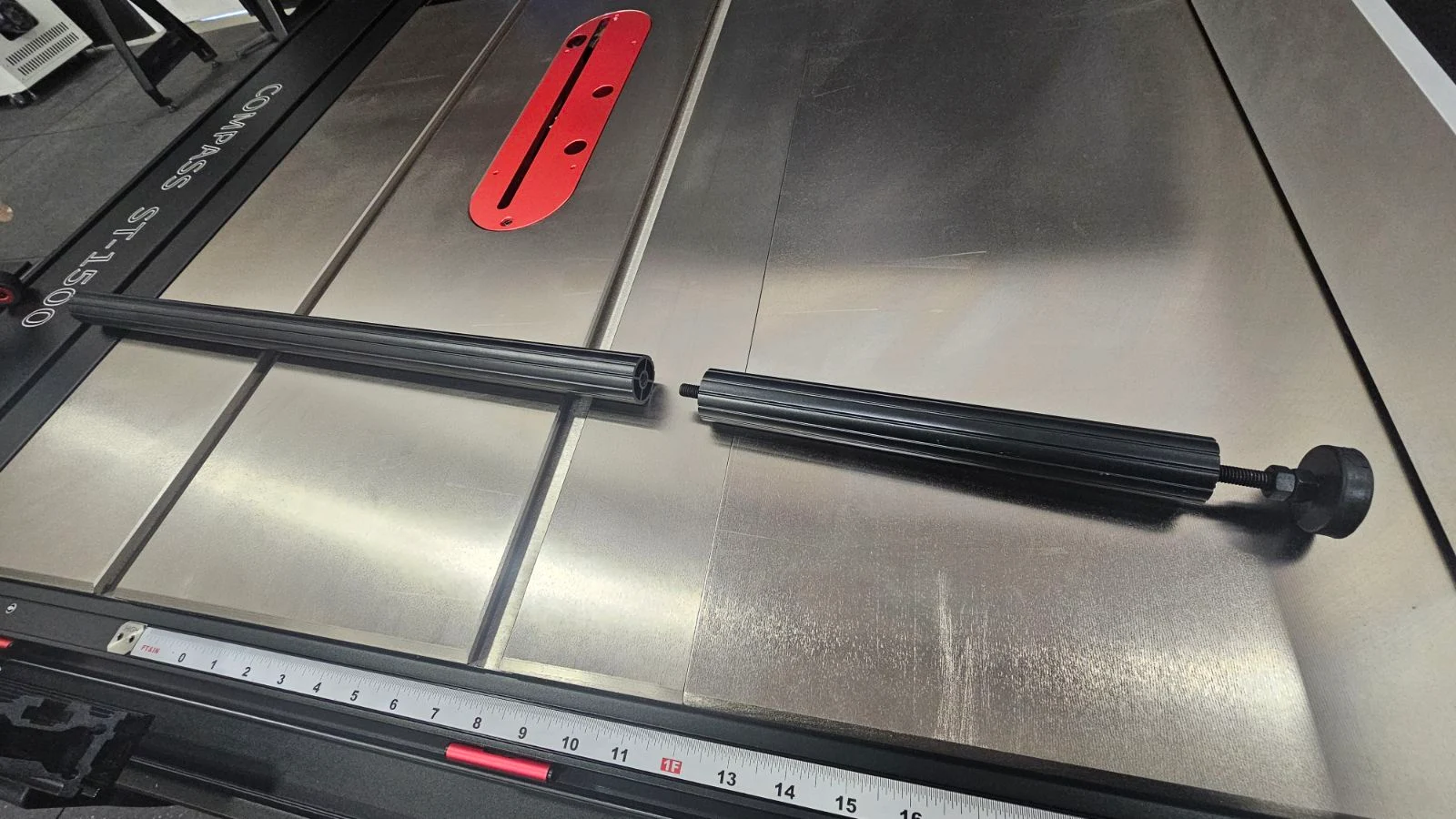
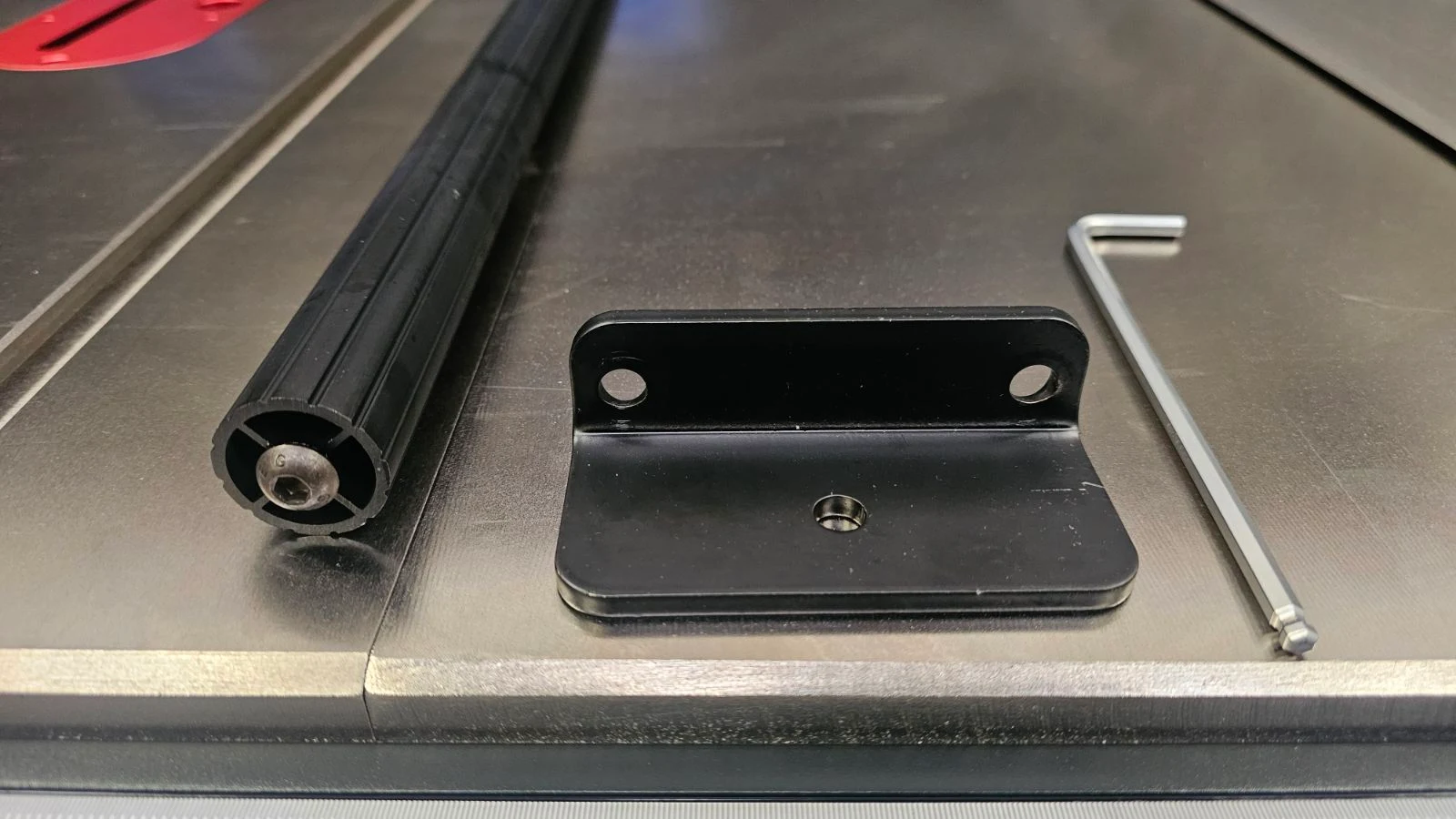
Instead of using the Master Rip Fence System mounting brackets (which are only compatible with Master Rip rails), use the two Rear Extension Table Fixed Blocks included in your Big Eye Fence System package.
Tools & Components Needed
Rear Extension Table Fixed Blocks (included) RT-10A Rear Table (or custom table) Allen / Hex Wrench Set Open-End / Adjustable / Socket Wrench
Step-by-Step Installation
1
Assemble the Leg Sections & Install Mounting Brackets
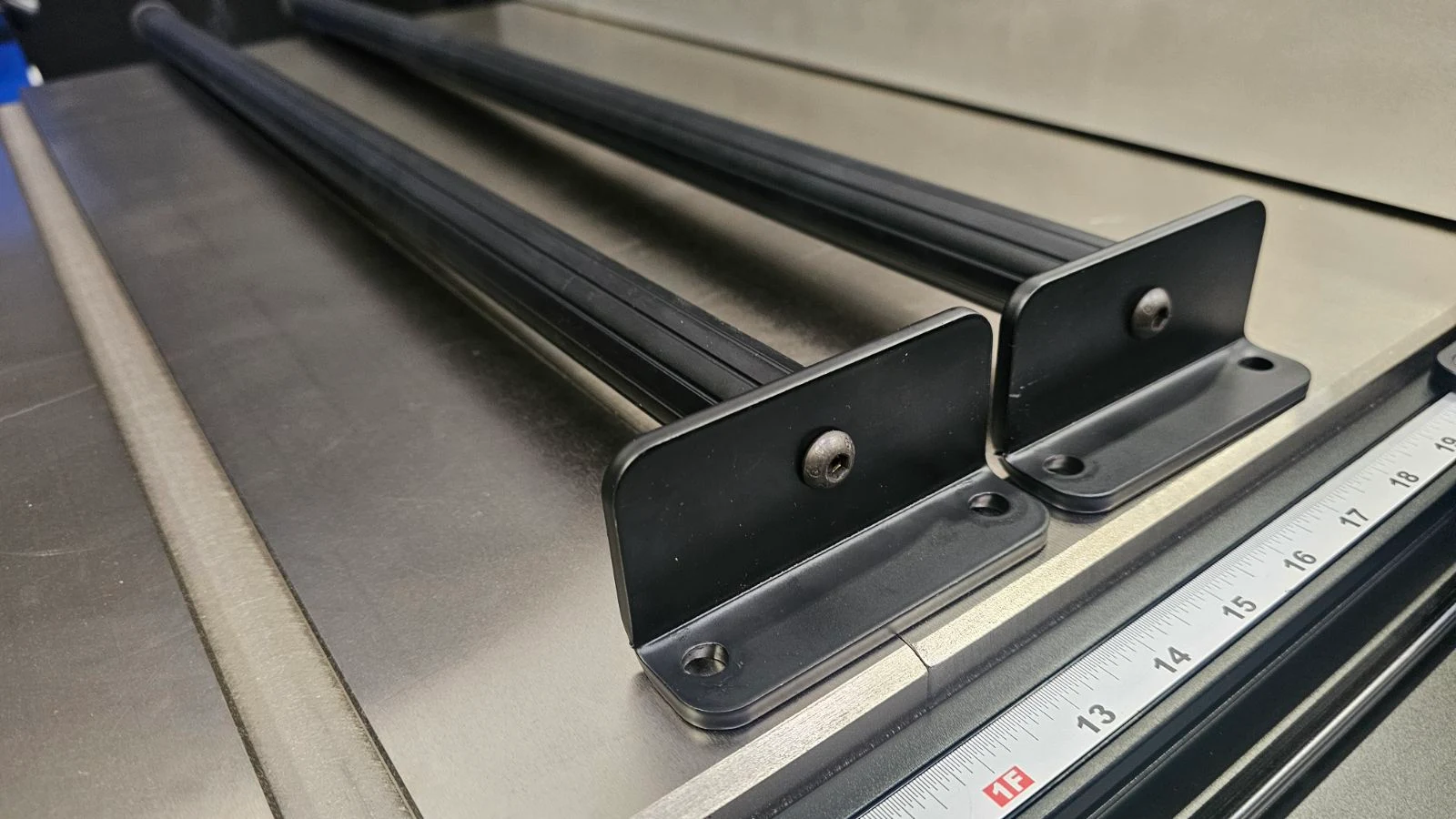
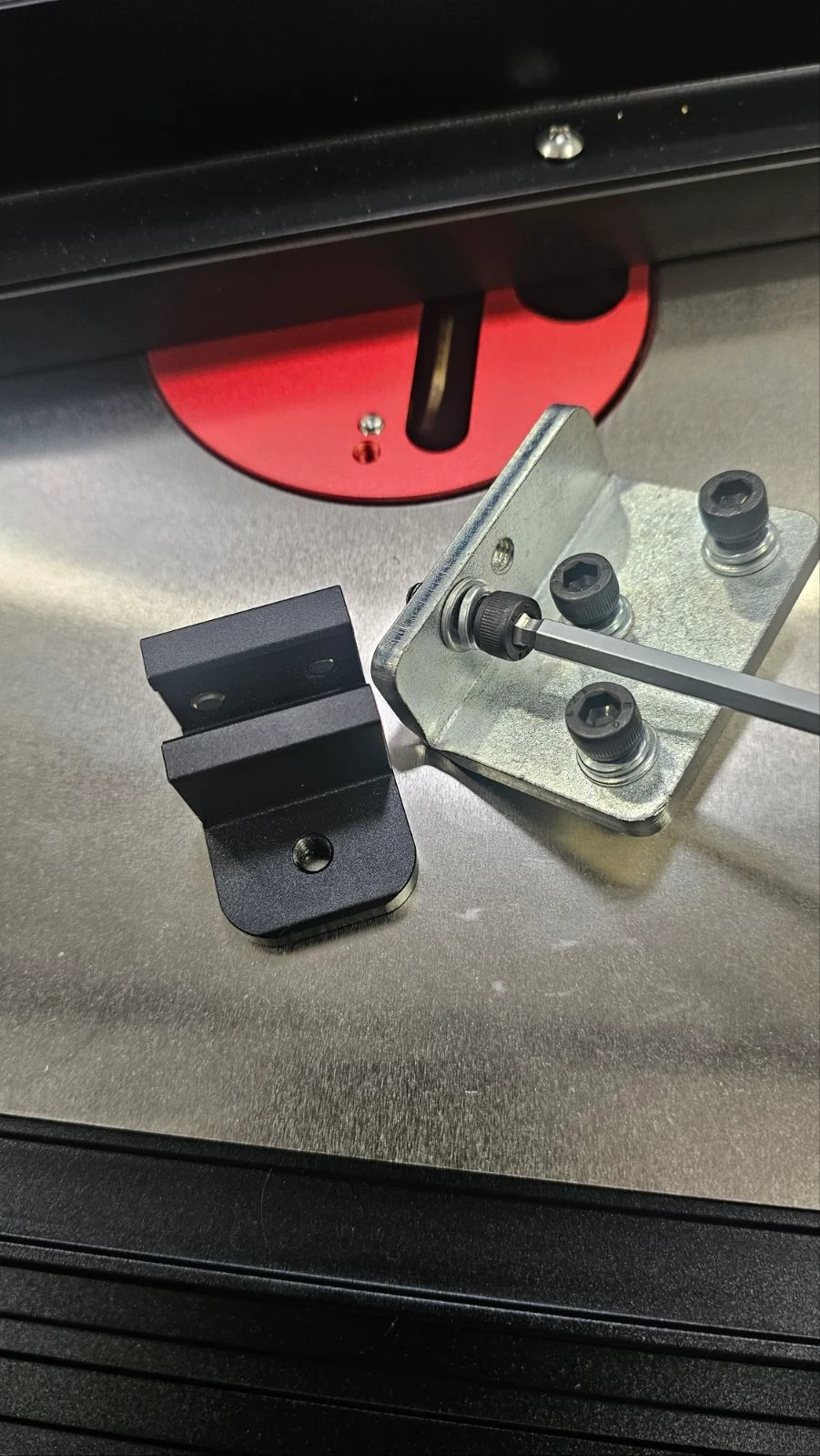
Thread the short leg sections onto the long sections. They can be installed at the top or lower part of the leg — if installing on top, you may need to switch which ends of the legs have the bracket mounting screw and foot installed.
Unthread the pre-installed leg mounting bracket screw from the long leg section and secure the mounting bracket to the end of the leg.
Step 1 — Leg Assembly
Leg section assembly for RT-10A rear table
Step 1 — Mounting Bracket on Leg (View 1)
Mounting bracket secured to leg end
Step 1 — Mounting Bracket on Leg (View 2)
Mounting bracket secured to leg end detail view
2
Mount the Legs to the Table Frame

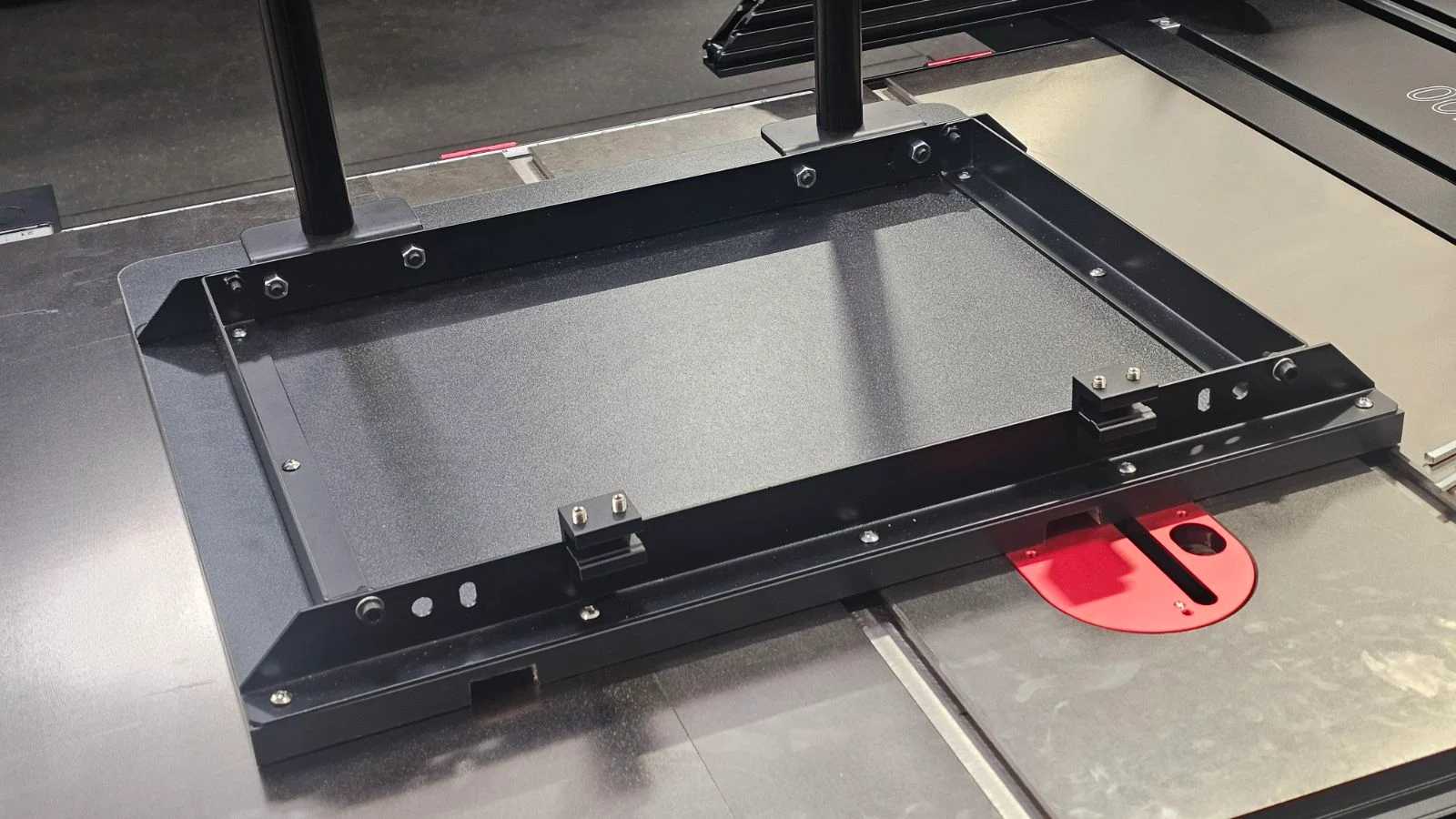
Align the holes in the leg mounting brackets with the holes on the table frame. Secure the legs to the rear frame, opposite the side with the table's miter slot openings, using a hex wrench and open-end/socket/adjustable wrench.
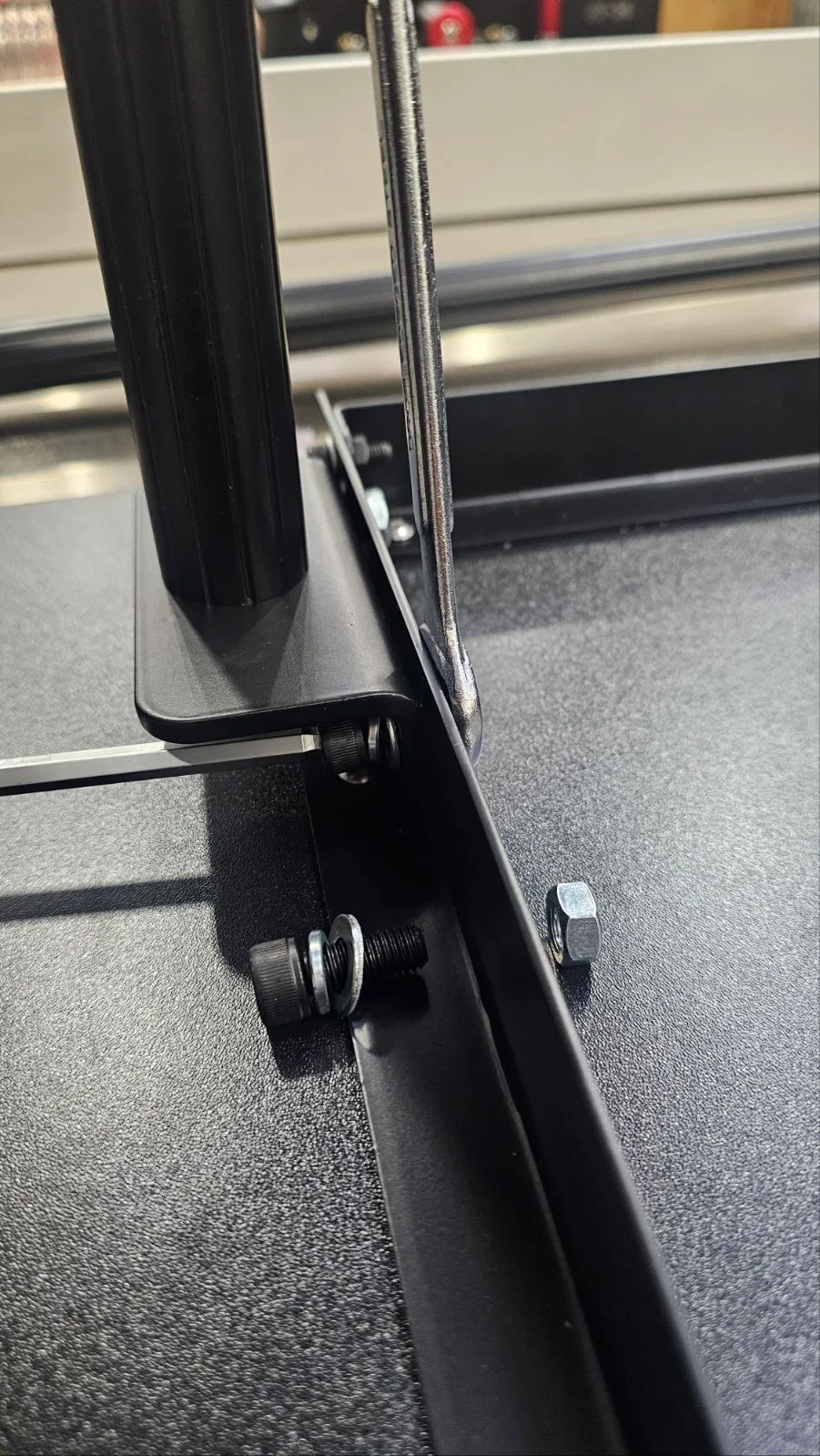
Step 2 — Legs Mounted to Table Frame
Legs mounted to RT-10A table frame
3
Install the Rear Extension Table Fixed Blocks
On the underside of the RT-10A, confirm that the default Master Rip Fence mounting brackets are not installed — these are not compatible with the Big Eye system. Remove them if previously attached.
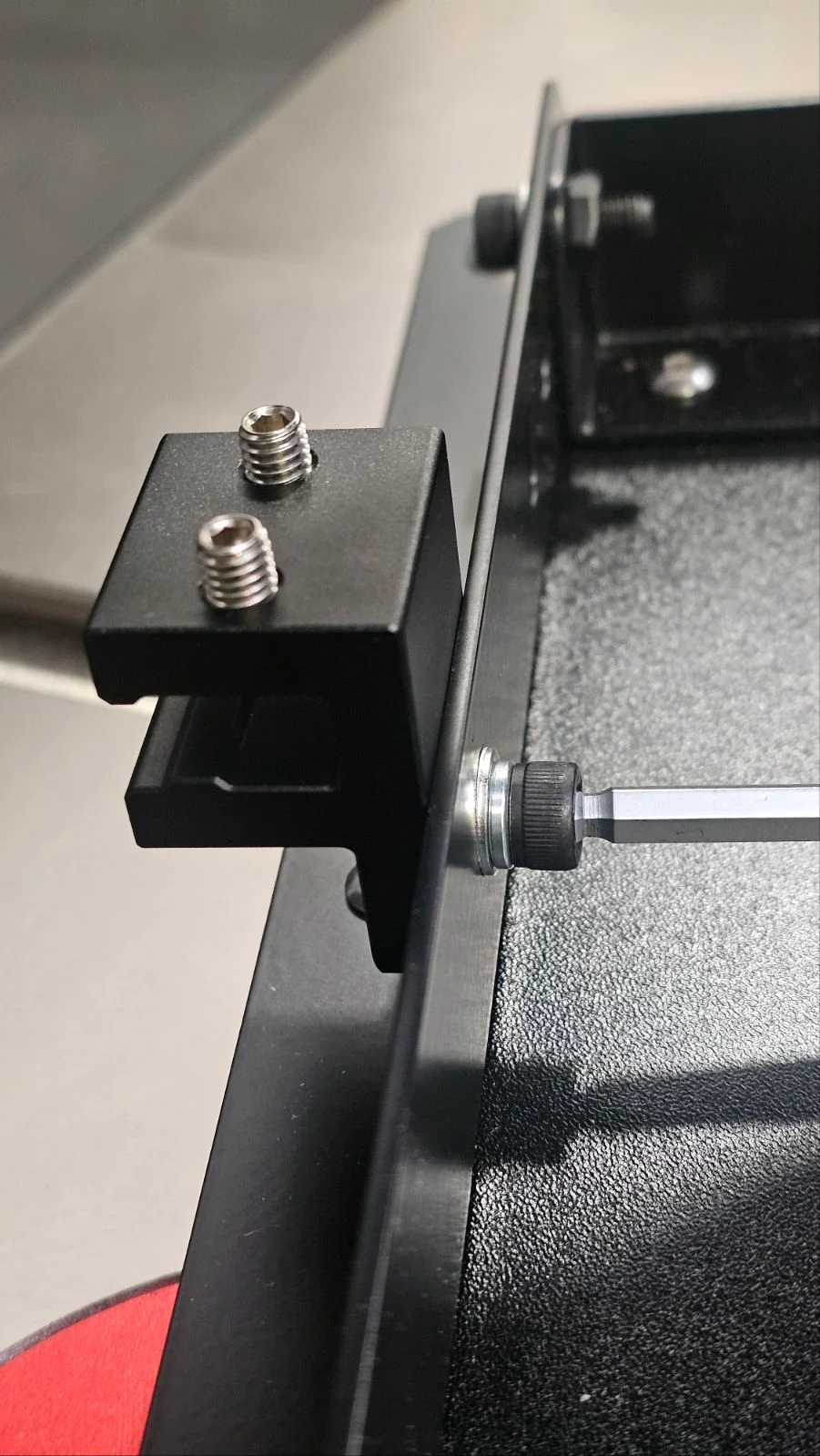
Remove two screws along with their spring and flat washers from the included mounting brackets. Use these to mount the Big Eye's Rear Extension Table Fixed Blocks to the table frame side below the miter slots.
Position the Fixed Blocks on the mounting holes of the table frame as shown in the photos below.
Step 3 — Fixed Block Screw & Washer Setup
Fixed block screw and washer setup
Step 3 — Fixed Block Positioned on Table Frame (View 1)
Rear extension table fixed block positioned on table frame
Step 3 — Fixed Block Positioned on Table Frame (View 2)
Rear extension table fixed block positioned on table frame detail
4
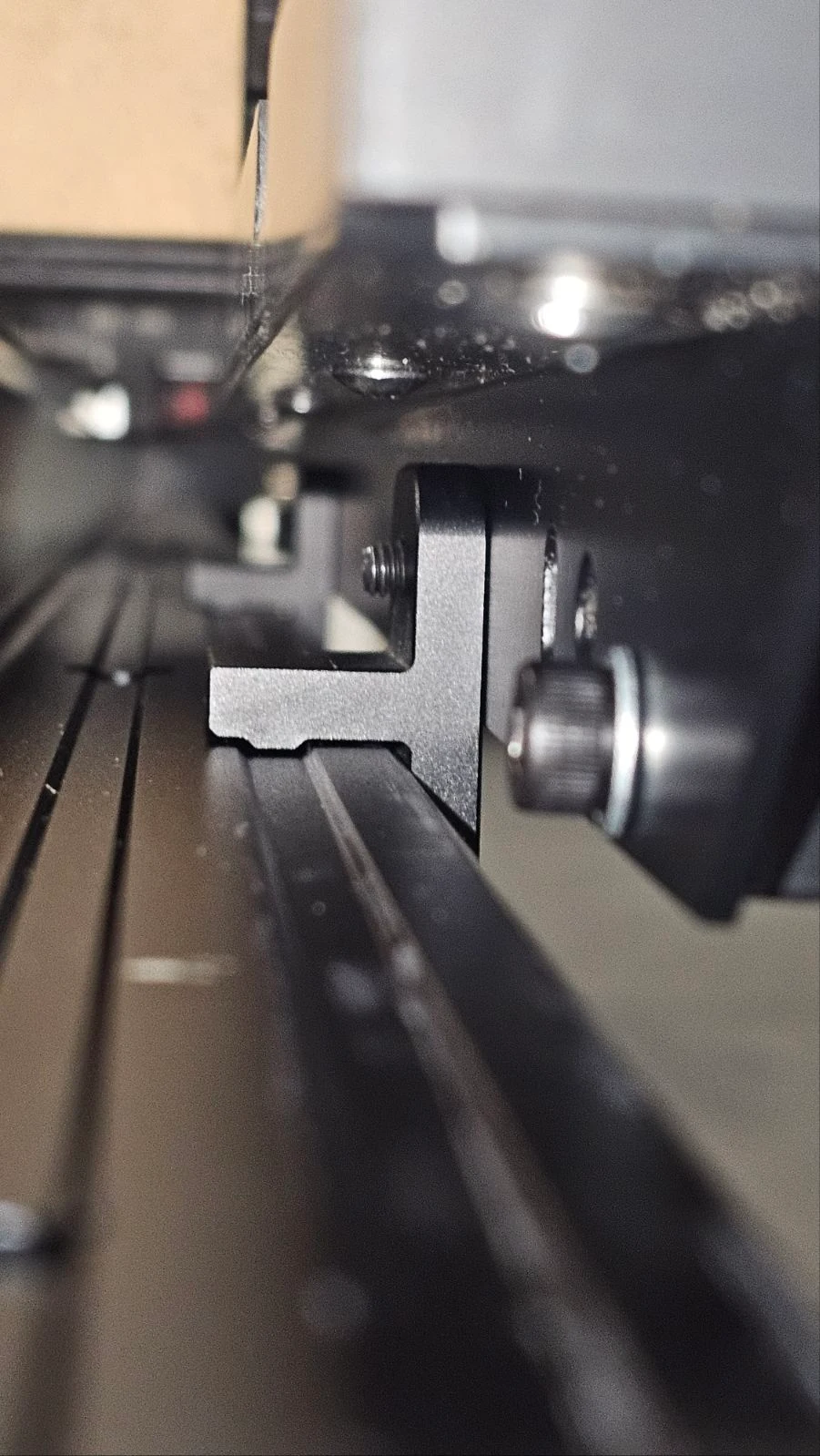
Slide the Fixed Blocks onto the Rear Rail
Fully loosen the set screws on both Rear Extension Table Fixed Blocks.
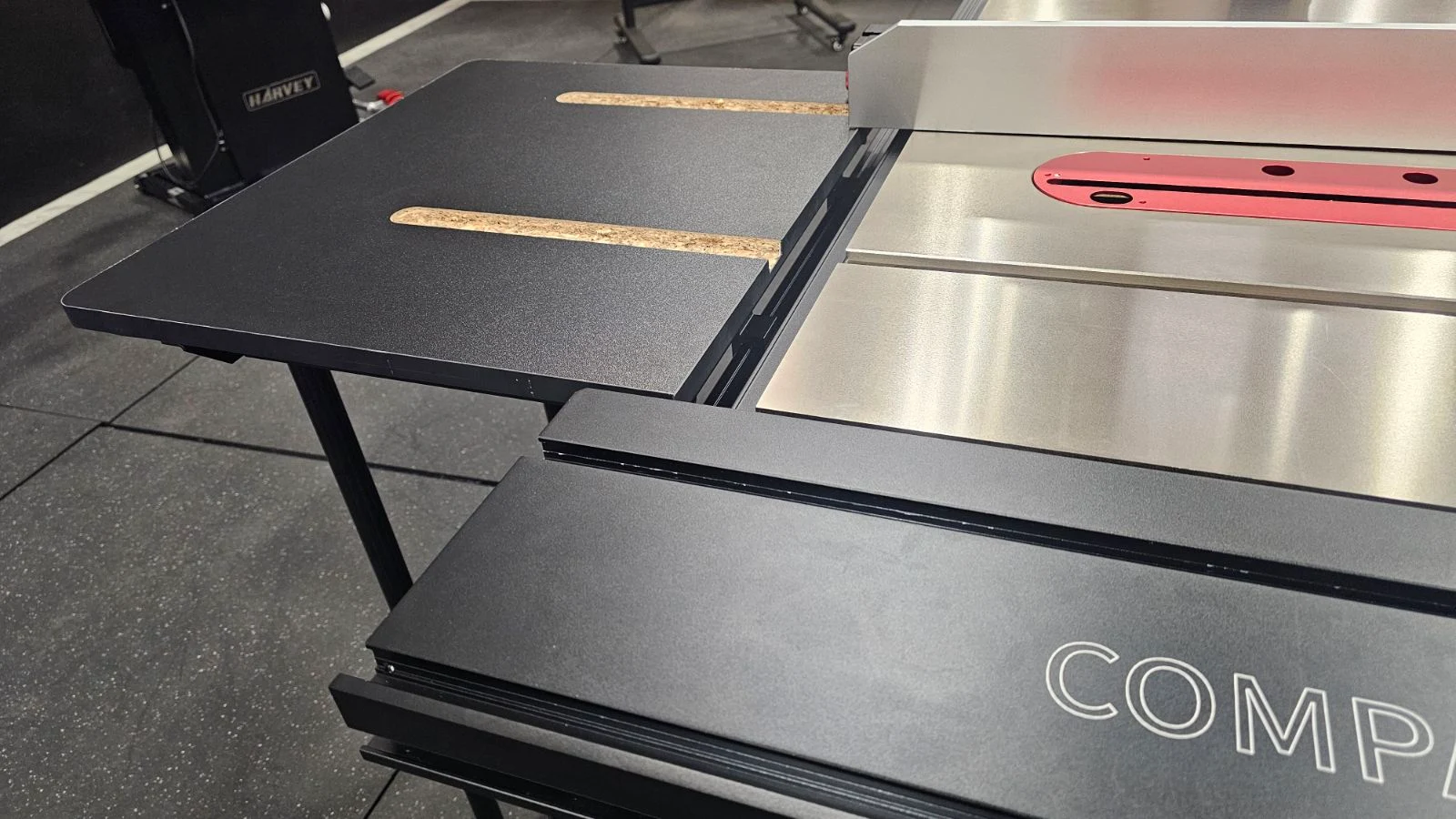
Slide the table's Fixed Blocks onto the rear rail of the Big Eye Fence System. Position the table so it aligns with the seam of the main table and both the main table T-slots and RT-10A miter slots are centered with each other.
If an ST-1500 sliding table is installed, the table can be aligned flush against the slider frame for a quick and easy reference point.
Step 4 — Sliding onto Rear Rail (View 1)
Fixed blocks sliding onto rear rail of Big Eye fence system
Step 4 — Table Aligned on Rear Rail (View 2)
Table aligned on rear rail
5
Check Table Coplanarity
Use a straight edge to check the coplanarity of the outfeed table with the main table. Adjust the feet as needed to achieve an evenly flush surface across both tables.
Slide a miter gauge all the way out from the main table's T-slots until the miter bar enters the RT-10A miter slots. Confirm there are no obstructions or alignment issues.
Caution: It is essential to have a flush surface across the main table and outfeed table. An uneven surface increases the risk of dangerous kickback due to the workpiece catching or the cut dipping.
Step 5 — Checking Coplanarity with Straight Edge
Checking table coplanarity with straight edge across main and outfeed tables
Position and Secure

Once the table is aligned in your desired position, locate the set screws on the underside of each Fixed Block and tighten them with a hex/Allen wrench. This locks the table securely in place on the rear rail.
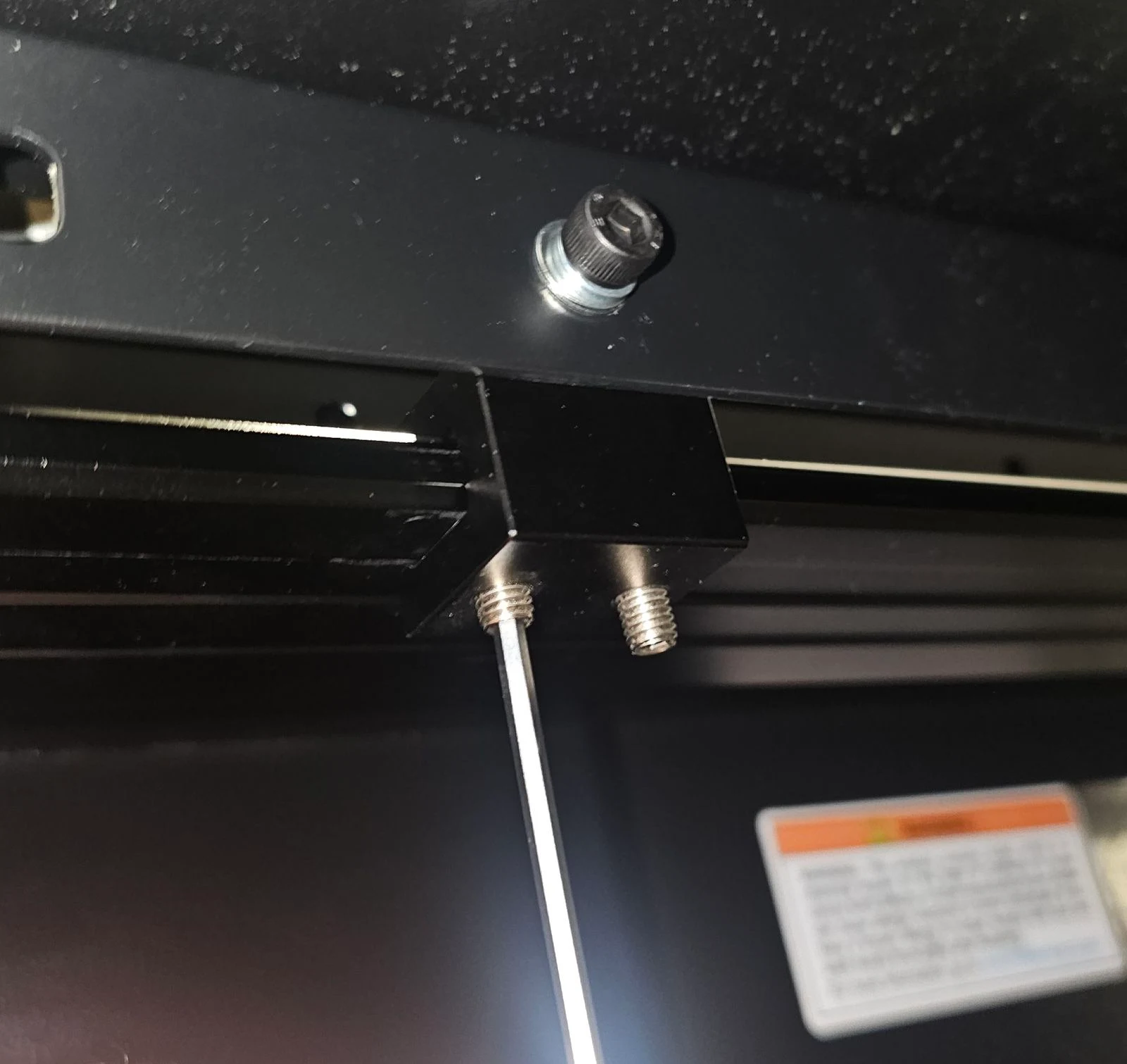
Step 6 — Tightening Fixed Block Set Screws
Tightening set screws on fixed blocks to lock table on rear rail
Optional
Foot Extensions

Included with the RT-10A are a pair of leg extensions. These are optional and only used when the feet threads are not long enough to reach the floor and achieve a level table surface with the main table.
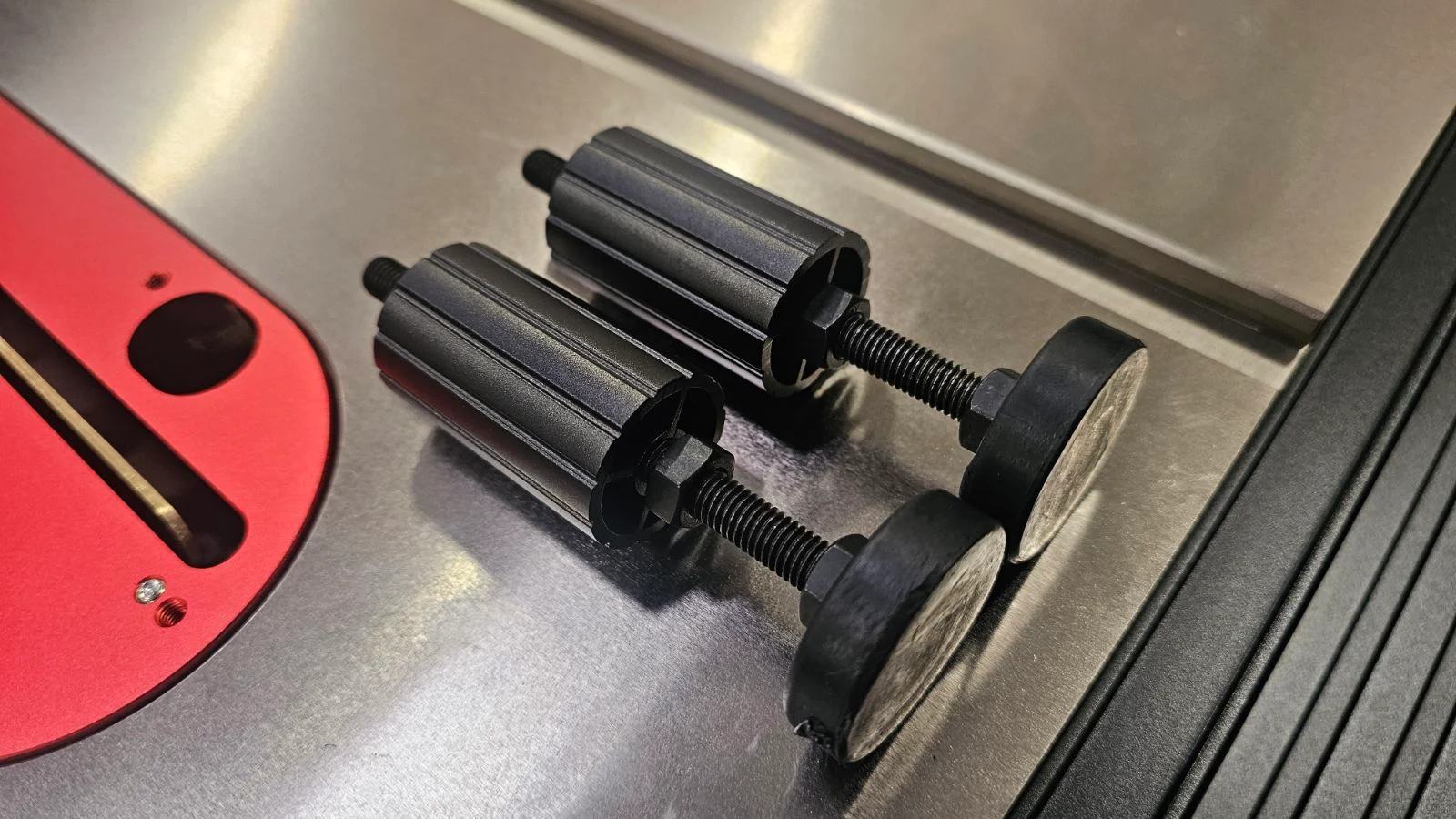
In most cases the extensions will not be used — they may be too long and could skew the RT-10A table angle upward. The extension is most appropriate when the saw is on a mobile base that raises the cabinet 2" or more off the floor.
If using an M-1500 or M-1500 Pro mobile base, the extensions may be too long to use.
Foot Extension — Installation Reference
Leg foot extension installation reference
Final Check
Double-check all screws and set screws are fully tightened.
Confirm the table is level and firmly attached to the rear rail.
Ensure the fence has full clearance to move over the main table freely.
Final Check — Fence Clearance Over Main Table
Final check showing fence clearance over main table
Your rear table is now securely mounted to the Big Eye Fence System using the included Rear Extension Table Fixed Blocks.
i

If you run into any issues during installation, please contact our support team.

Was this article helpful?

That’s Great!

Thank you for your feedback

Sorry! We couldn't be helpful

Thank you for your feedback

Let us know how can we improve this article!

Select at least one of the reasons
CAPTCHA verification is required.

Feedback sent

We appreciate your effort and will try to fix the article